Last Updated on September 18, 2026
The right home design software starts with the project itself. Planning furniture in a living room calls for a straightforward tool. An architect working on construction documents needs greater control. Some programs handle 2D floor plans, while others focus on 3D interiors. Professional software goes further with detailed modeling and documentation.
What Is Home Design Software?
Home design software gives you a place to work on a house or room without drawing everything by hand. The tools differ from one program to another. One may focus on floor plans, while another lets you work in 3D. Some also include renderings or technical drawings for more detailed projects.
Not every home design tool handles the same kind of work. A basic room planner helps with layout and visualization. With 3D modeling software, you get more control over the building and interior. BIM software such as Revit also links the building model to project information and documentation. Autodesk’s current Revit training includes architectural modeling, schedules, plans, elevations, sections, and construction documentation.
Top 10 Home Design Software
1. Planner 5D
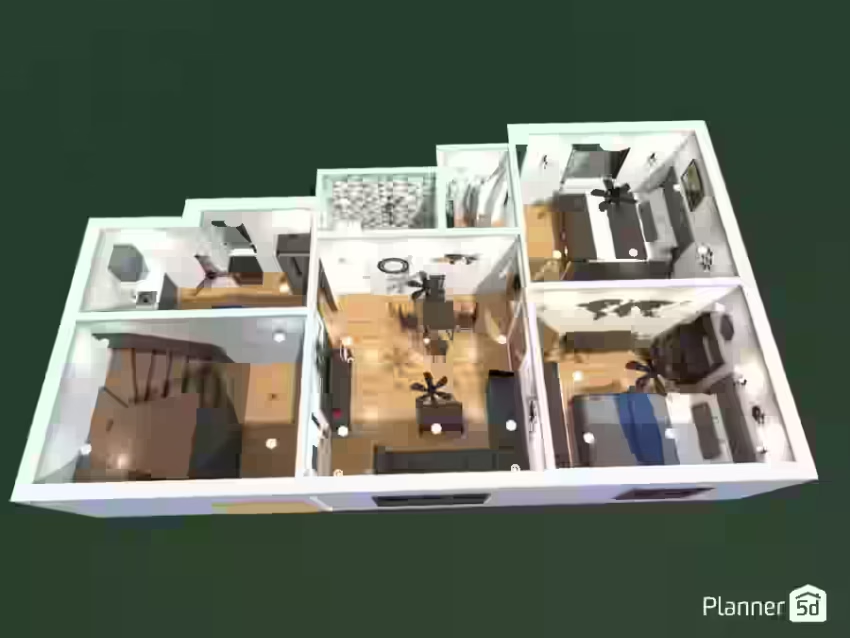
Best for: Beginners planning a home or interior
Planner 5D lets users move between 2D floor plans and 3D home design while working with furniture, rendering, and AI-assisted design features. The current Free plan allows unlimited projects. Paid plans add floor-plan-to-3D conversion, a larger furniture catalog, CAD export, rendering, and 360-degree presentations. It suits users who want to test layouts before moving into professional CAD software.
2. Floorplanner
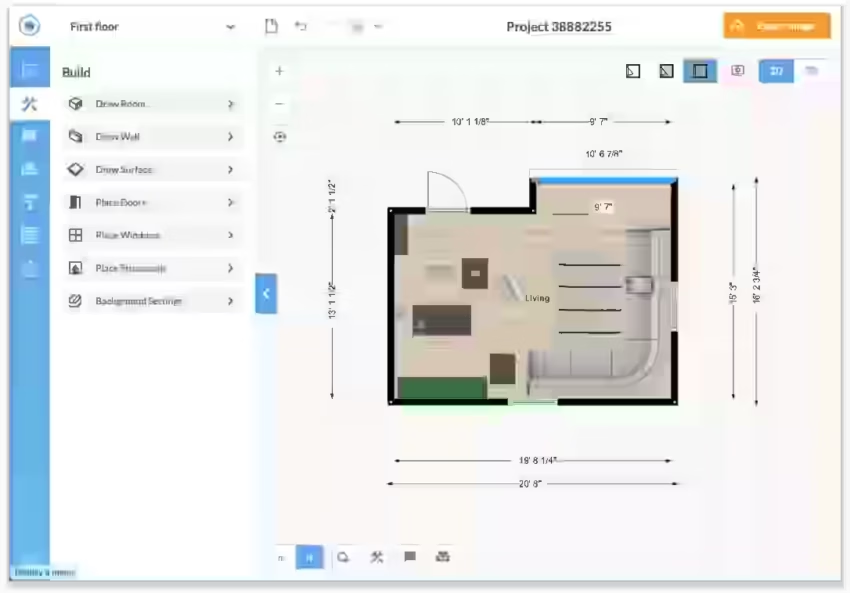
Best for: Quick online floor plans
Floorplanner runs in a browser, so there’s no desktop installation to manage. It’s built for people working on room layouts, decoration, or renovation plans. Walls, rooms, doors, and windows can be drawn before viewing the result in 3D. The site currently lists over 260,000 3D models, including furniture brand products. It works well for quick, accurate room planning.
3. Homestyler
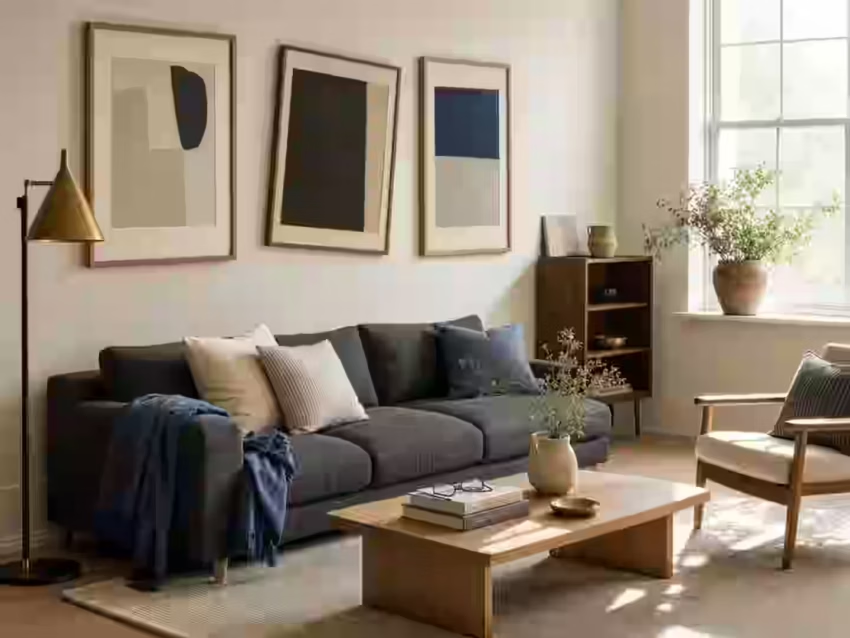
Best for: Interior design and realistic visualization
Homestyler brings 2D planning and 3D modeling into the same workspace. Users can place furniture, work with rendering tools, and use AI-based design features. An uploaded floor plan can be converted into an editable 3D model on the current platform. There’s also a large furniture and decor library. It suits users who want to see the room before settling on its layout.
4. RoomSketcher
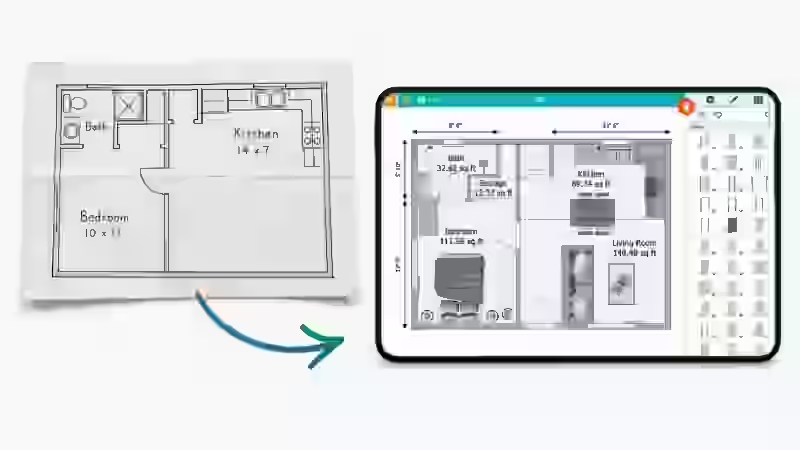
Best for: Floor plans and property visualization
Floor plans are where RoomSketcher puts most of its attention. The software supports 2D and 3D layouts, with tools for furnishing rooms and creating visual outputs. Its AI Convert feature turns an uploaded floor plan into an editable project. FloorCapture can also create a digital floor plan using a LiDAR-enabled iPhone or iPad. This suits new layouts as well as older plans that need digitizing.
5. Sweet Home 3D
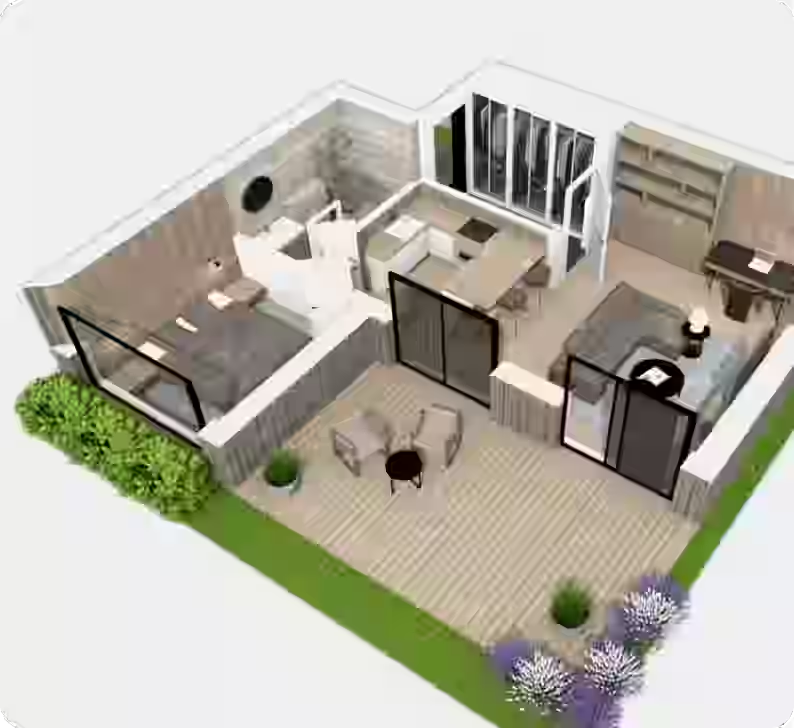
Best for: Free home design
Sweet Home 3D takes a different route from many commercial design platforms. It’s an open-source interior design application released under the GNU General Public License. You can draw a home plan and see the finished layout in 3D. It runs on Windows, macOS, Linux, iOS, and Android. A free desktop version is also available through SourceForge. For anyone looking for free home design software without a limited trial, this is a useful option.
6. SketchUp
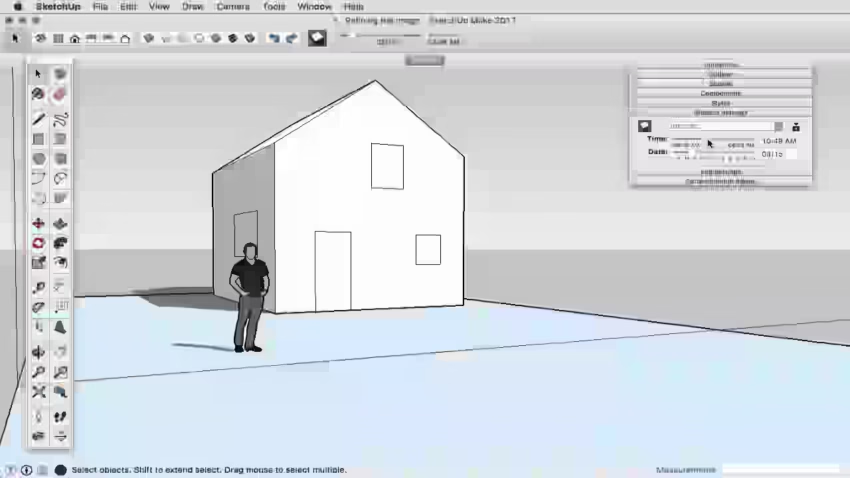
Best for: Flexible 3D modeling
SketchUp gives users more hands-on control of 3D models than basic drag-and-drop room planners. Its 3D Warehouse adds millions of models and manufacturer catalogs that can be used inside projects. Current plans cover web and iPad design, along with professional desktop modeling, 2D documentation, and advanced BIM and visualization workflows. The software takes longer to learn, though that added control becomes useful when designs need more detail.
7. HomeByMe
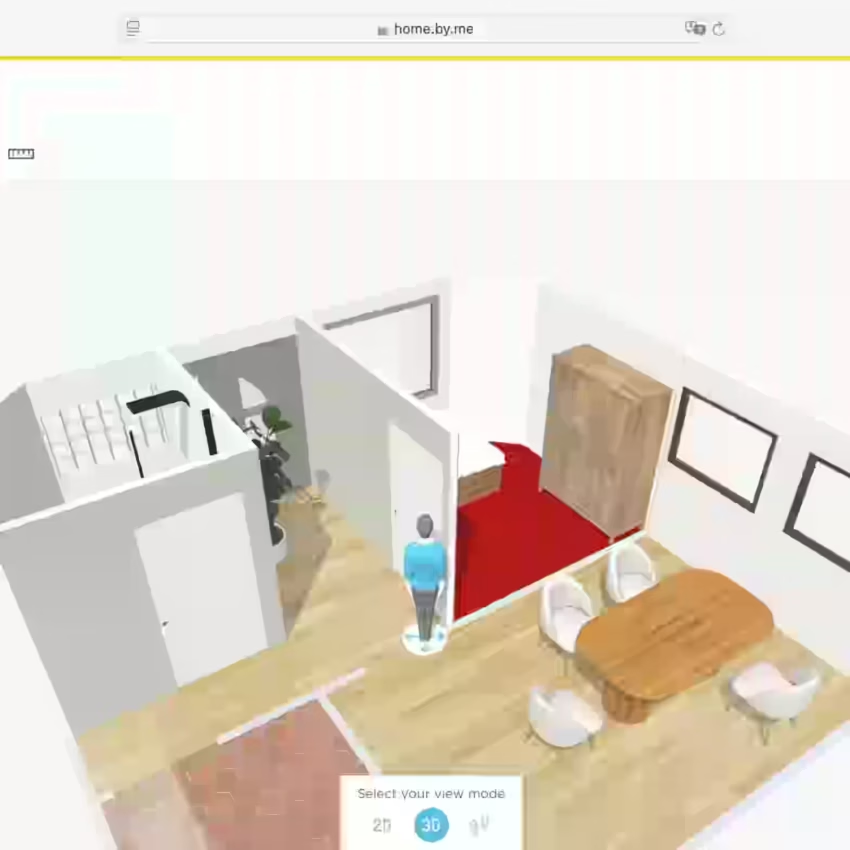
Best for: Furnishing and visualizing a home
HomeByMe starts with a floor plan and lets users see the space in 3D after furnishing it. HD images and 360-degree views give users another way to compare furniture arrangements and interior finishes before changing the actual room. It suits homeowners who want to preview an interior design rather than spend most of their time working with technical drawings.
8. Chief Architect and Home Designer
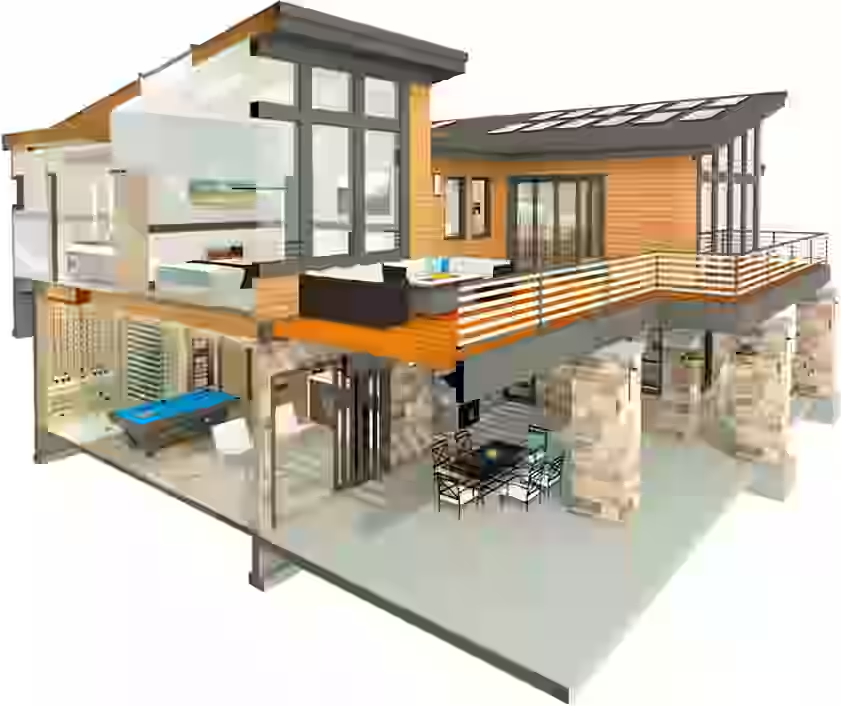
Best for: Residential remodeling and detailed home design
Chief Architect is built around residential design and remodeling work. It covers home design with dedicated tools for kitchens, bathrooms, interiors, 3D views, technical drawings, and virtual tours. That makes it a better match for detailed remodeling than a basic room-planning app. Home Designer targets consumer and DIY residential projects, whereas Chief Architect is intended for more professional workflows and projects.
9. magicplan
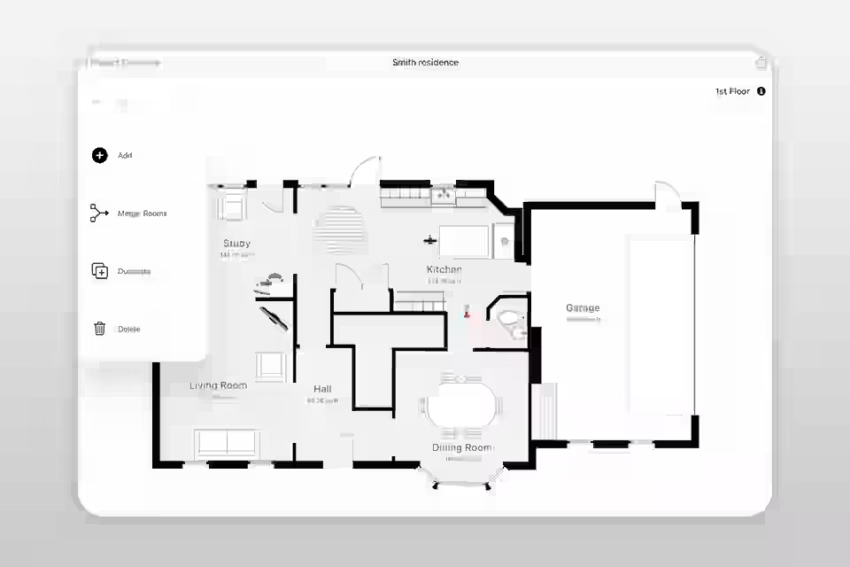
Best for: Measuring an existing property
magicplan starts with the space you already have rather than an empty digital room. The app can capture an existing area using its LiDAR Auto-Scan feature. On supported iPhones and iPads, it can detect walls, windows, doorways, and objects. The feature has hardware and layout limits. Auto-Scan requires a compatible LiDAR-enabled Apple device, while open floor plans, stairwells, glass walls, and certain construction conditions may still need manual scanning.
That makes Magicplan particularly useful when you’re starting with a real property that needs to be documented.
10. Autodesk Revit
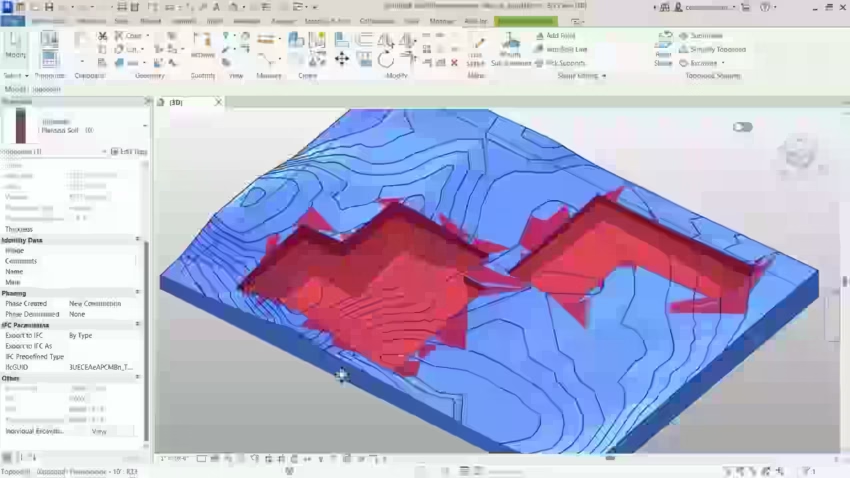
Best for: Professional architectural design and BIM
Revit is intended for professional building design rather than basic room planning. The BIM platform brings architectural modeling together with project information, documentation, schedules, and collaboration.
Autodesk’s current training includes walls, floors, roofs, doors, windows, rooms, multilevel buildings, plans, elevations, sections, and detailed project documentation. Testing furniture arrangements does not require this level of software. Its role is better suited to professional building design and coordinated documentation.
Which Home Design Software Fits Your Project?
The easiest way to choose is to start with the work you need to do.
For a first home design project, Planner 5D, Floorplanner, or Sweet Home 3D should be enough for most basic planning. They let you work out a room layout without stepping into the technical workflow used by professional architectural software.
For floor plans, Floorplanner and RoomSketcher are worth considering. If you’re working with an existing home, Magicplan makes more sense because it can help with the measuring stage. RoomSketcher is also useful when you already have a plan and need to turn it into an editable project.
For interior design, Homestyler, HomeByMe, and Planner 5D are more focused on how a room comes together visually. They focus more on furniture, materials, and 3D views. Homestyler also includes AI-based tools that can generate or modify design concepts.
For remodeling and detailed residential work, Chief Architect/Home Designer and SketchUp give you room to handle more detailed designs. Revit is a better fit when the project calls for a professional BIM workflow, particularly when detailed documentation is part of the work.

- Top 10 Home Design Software for Visualizing Your Home - September 15, 2026
- Top 10 Finance Apps for Small Businesses in 2026 - September 10, 2026
- How to Build a Consistent Brand Voice? - March 18, 2026