
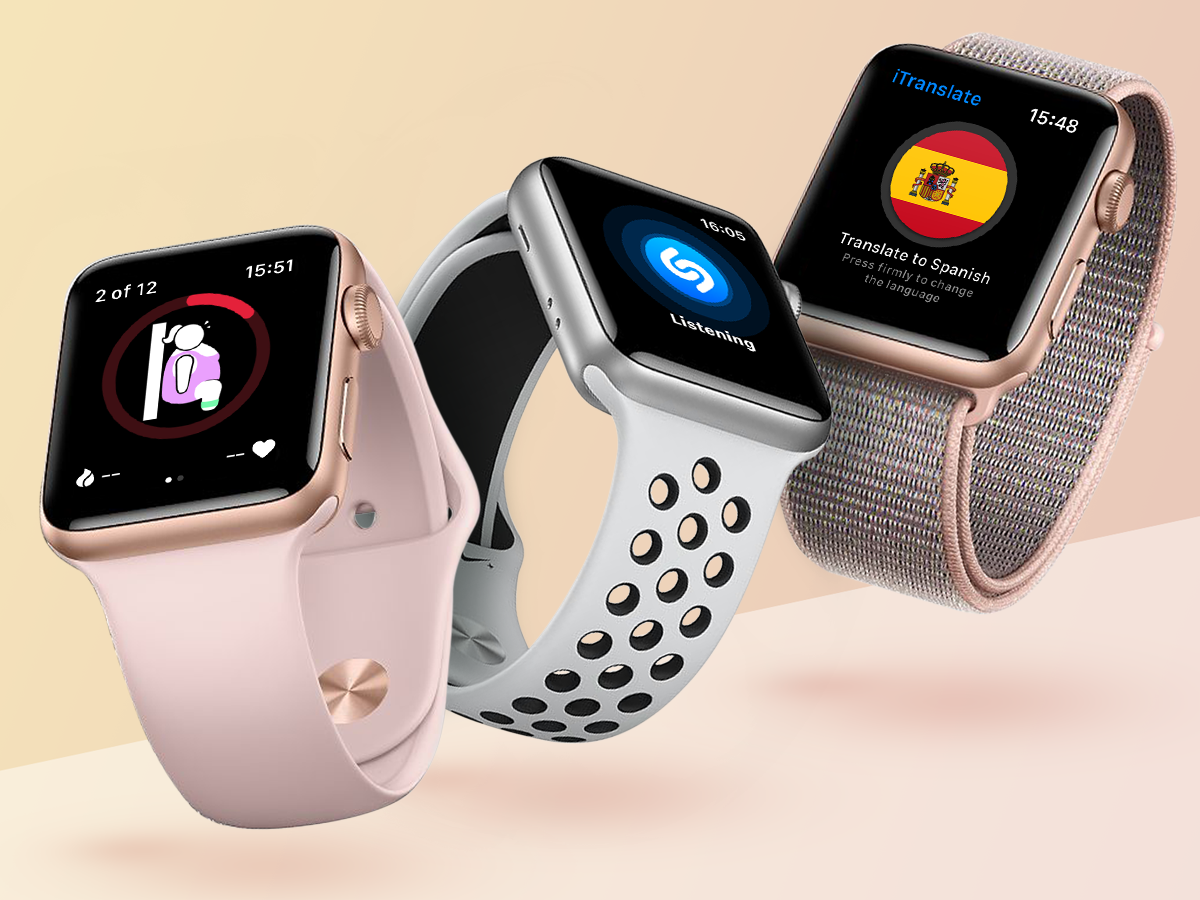
Your wrist deserves better than just telling time. Whether you’re rocking the Apple Watch Series 9, still loving your Apple Watch 7, or considering a used Apple Watch for your first smartwatch experience, the right apps transform it from a fancy timepiece into a genuine productivity tool. We’ve tested numerous options to find the best Apple Watch apps that truly earn their spot on your tiny screen, making your wearable device work harder for you.
1. Strava
Strava turns routine workouts into measurable achievements with competitive social elements that actually motivate you. This fitness application has become the go-to choice for athletes who want more than basic tracking on their wrists. Real-time metrics display heart rate, pace, and distance without needing to fumble for your phone.
Segment leaderboards let you compete against other athletes on identical routes, turning your morning run into a challenge worth bragging about. The social feed celebrates personal records and connects users globally, creating motivation that keeps you coming back. Whether you’re using the latest model or an older device, the experience stays smooth and responsive.
2. Nike Run Club
Nike Run Club delivers guided running experiences that work for complete beginners and seasoned marathoners alike. Adaptive training programs adjust to your fitness level, so you’re never stuck following plans that feel too easy or impossibly hard.
Audio-guided runs feature professional coaches offering real-time encouragement directly into your earbuds. The platform tracks distance, pace, and heart rate automatically while you focus on putting one foot in front of the other. Social features enable achievement sharing and participation in global challenges, creating accountability that actually matters. The interface stays intuitive whether you’re wearing the Apple Watch latest series or something a few generations back.
Similar read: Best Instagram Downloader Apps
3. AutoSleep
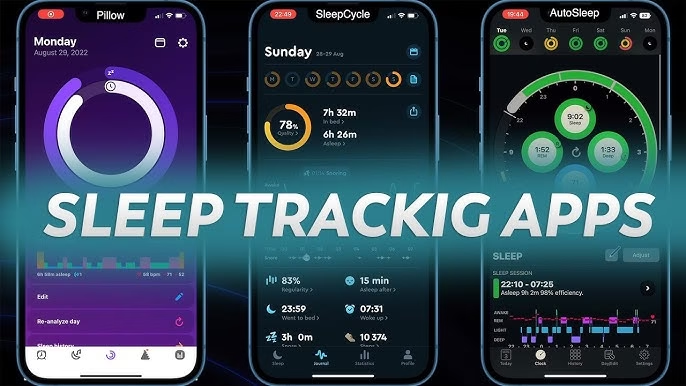
AutoSleep tracks your sleep without any manual activation before bed. Just wear your watch to sleep, and it handles everything automatically throughout the night. The app analyzes sleep quality, duration, and disturbances with impressive accuracy. It evaluates deep sleep phases, heart rate variations, and restlessness patterns to generate insights about your recovery.
You’ll get personalized recommendations for improving rest quality based on weeks or months of data trends. Complex sleep metrics appear through intuitive visualizations that make understanding your patterns straightforward. It works beautifully on the Apple Watch Series 9 and earlier models without any noticeable performance differences.
4. Just Press Record
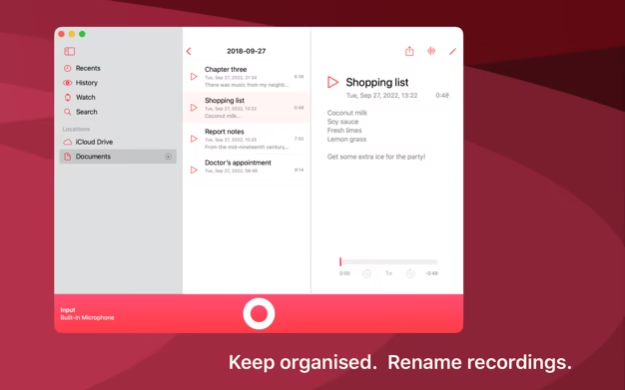
Just Press Record transforms your wrist into an efficient voice recording device with literally one tap. No menus to navigate, no settings to configure before capturing audio. This becomes invaluable for professionals conducting interviews, students recording lectures, or anyone needing quick voice memos throughout the day.
The app automatically transcribes recordings with impressive accuracy, then syncs content across all your Apple devices seamlessly. Cloud storage keeps everything accessible regardless of which device you’re using, while search functionality helps you find specific conversations fast. The simplified interface prioritizes immediate capture over unnecessary features.
5. Water Reminder
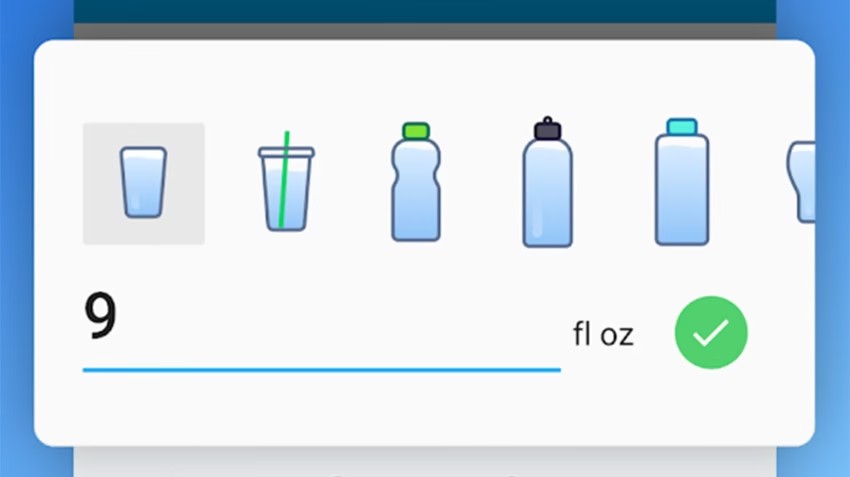
Water Reminder solves the common problem of forgetting to hydrate during busy days. Timely notifications arrive on your wrist, prompting you to drink water at optimal intervals based on your goals and activity levels. The app tracks daily intake through simple wrist-based logging that takes seconds.
You’re not constantly pulling out your phone just to record a glass of water. Customizable reminders adapt to your routine, whether you’re most active in mornings or working late shifts. Historical data reveals hydration patterns over time, helping you spot trends you might otherwise miss. It integrates seamlessly into daily workflows, particularly on the Apple Watch Series 8 and newer devices.
6. Fantastical
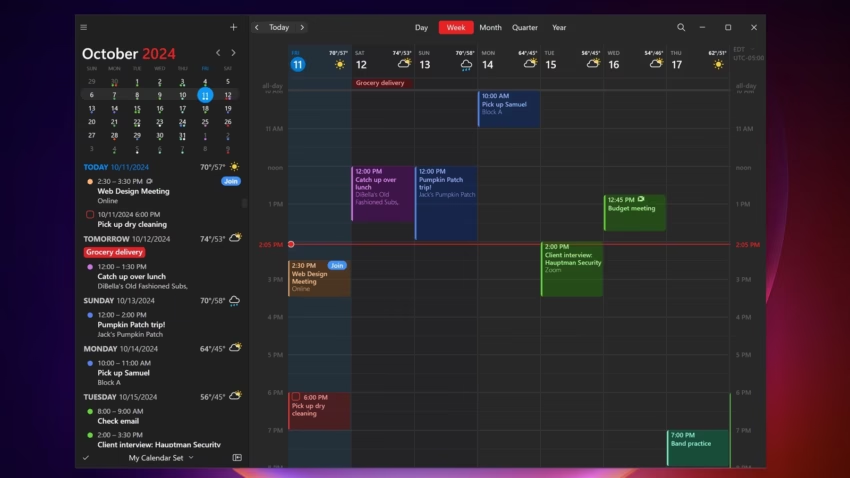
Fantastical revolutionizes calendar management through natural language processing that actually understands how people talk. You can create appointments by simply speaking or typing phrases like “lunch meeting tomorrow at noon” without navigating through multiple screens.
The interface presents upcoming events clearly, integrating multiple calendars into unified views that prevent double-booking disasters. Weather forecasts appear alongside appointments, so you know whether to bring an umbrella to that outdoor lunch. Task integration combines to-do lists with calendar events, creating comprehensive daily planning in one place. Complications display elegantly across various watch faces on newer models.
Similar read: Pixwox: The Ultimate Private Instagram Viewer?
7. Spotify
Spotify delivers comprehensive music streaming control directly from your wrist. No more pulling your phone out mid-workout just to skip a song you’re tired of hearing. Browse playlists, skip tracks, and adjust volume through intuitive touch controls that respond instantly.
Offline playback support lets premium subscribers download music directly to their watch, enabling completely phone-free listening during runs or gym sessions. Podcast management integrates seamlessly, giving you easy access to spoken content alongside your music libraries. The responsive interface works flawlessly whether you’re wearing the latest hardware or something older.
8. Endel

Endel generates personalized soundscapes designed to enhance focus, relaxation, and sleep quality through adaptive audio technology. This wellness app analyzes data from your wrist, including heart rate, time of day, and activity levels.
It creates sound environments optimized for your current physiological state, adjusting audio frequencies and patterns in real-time based on biometric feedback. Users report improved concentration during work sessions and faster sleep onset when utilizing evening soundscapes. The minimal interface requires zero configuration, automatically delivering appropriate audio experiences without asking you questions first.
9. Golfshot
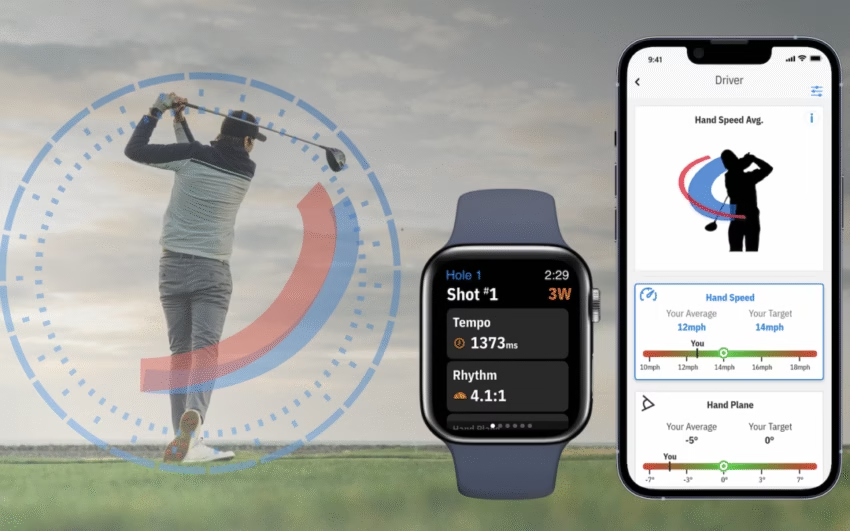
Golfshot transforms golf course navigation through precise GPS measurements and automatic shot tracking. Accurate yardage information to greens, hazards, and layup points appears directly on your wrist, eliminating the need to consult rangefinders or squint at course markers.
The app tracks scores, statistics, and shot distances automatically, generating comprehensive performance analytics that reveal exactly where your game needs improvement. Course maps display hole layouts with clarity, while digital scorecards simplify record-keeping during rounds. The always-on display maintains visibility in bright sunlight without draining the battery excessively, which golfers particularly appreciate.
Similar read: Top ChatGPT Alternatives In 2024
10. Pedometer++
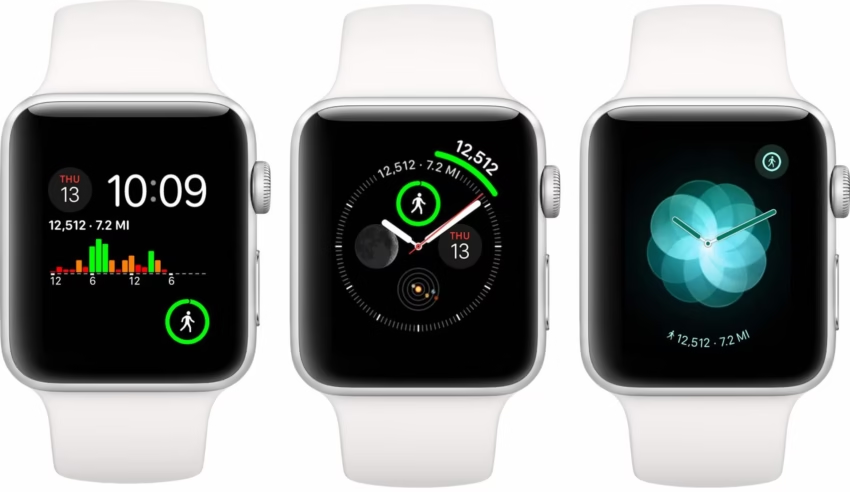
Pedometer++ offers straightforward step tracking without overwhelming you with excessive data or complicated interfaces. It leverages built-in motion sensors to monitor daily movement accurately while consuming minimal battery resources.
Step counts, distance traveled, and active minutes appear through clean visualizations that emphasize clarity over complexity. Historical data tracking reveals activity patterns across weeks and months, motivating you to maintain consistency without feeling nagged. Complications integrate seamlessly with various watch faces, providing at-a-glance progress updates without launching the full application. It runs smoothly on the Apple Watch 7 and newer models.
Conclusion
Selecting the right Apple Watch apps significantly enhances what your wearable can actually do for you. These applications maximize your device’s potential across fitness tracking, health monitoring, and daily productivity, regardless of which model you’re wearing. Evaluate your specific needs and priorities to identify the apps that align with your lifestyle, ensuring your technology delivers meaningful value beyond basic notifications and timekeeping. The difference between a watch that sits on your wrist and one that genuinely improves your day often comes down to installing the right software.

- Top 10 Apple Watch Apps That Could Turn Your Life - October 31, 2025