

Microsoft has updated its Outlook app for iOS with a slew of noteworthy features. The update is meant to improve users’ search experience with MS Outlook. With the update, the app brings a standalone tab on a simplified navigation bar.
Microsoft Outlook for iOS Updated
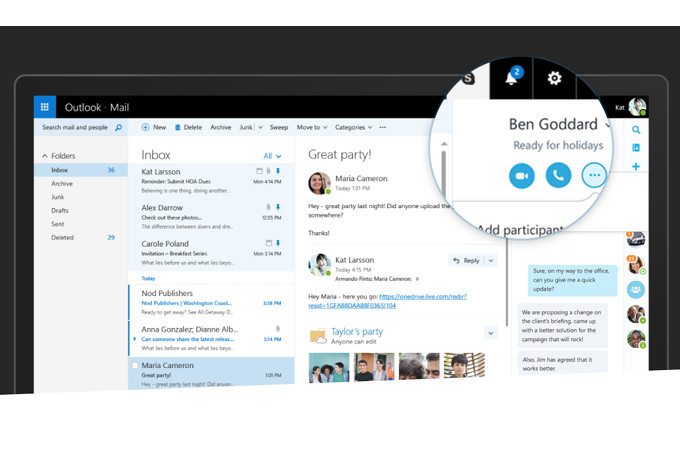
The most significant change that comes with the app is the ability to search for emails, files, and contacts in multiple accounts from a single search box. In addition to that, the update gets a new sport for the search icon, at the bottom of Outlook.
You can tap this new icon to access top contacts, upcoming itineraries, package deliveries and recent attachments. Now, all contacts and files will be integrated directly into the new search experience and can be accessed by tapping on the headers of different sections.
With this update, Microsoft has brought a new set of filters with Outlook app. These filters will allow you to organize your search. Now, users can search on a single Outlook account from the menu inside the search bar, or filter the results to short emails with attachments.
All the above changes would be rolled out to iOS devices in the next few weeks.

- The 15 Best Agentic AI Platforms for 2026 - January 16, 2026
- Google Brings Gemini AI Assistant Capabilities to Gmail - January 12, 2026
- Top 10 Agentic AI Use Cases for Business Automation This Year - January 11, 2026