Last Updated on 2 days ago
Most people have somewhere between 50 and 200 online accounts. Almost nobody has 200 unique, strong passwords. What actually happens is people reuse a handful of passwords, slightly tweaked — “Company123!” becomes “Company123@” for the next site. It feels practical. It is a real security risk.
According to the 2025 Data Breach Investigations Report from Verizon, 81 percent of hacking-related company breaches involve stolen and weak passwords. And data from IBM’s Annual Cost of a Data Breach report shows that, on average, a data breach costs businesses $4.4 million. For individuals, the consequences are just as personal — stolen banking access, locked accounts, and identity fraud that takes months to undo.
A password manager solves this by doing what your memory cannot. It generates long, random passwords for every account, locks them inside an encrypted vault, and fills them in automatically when you log in. You remember one strong master password. The app handles everything else.
The harder question is which one to use. There are dozens of options. Some are built for individuals. Some are built for enterprises with 500 employees. Some have been breached. Some have spotless records. This guide breaks down 10 of the most widely used password managers so you can pick the right one for your situation.
A Quick Note on How These Password Managers Protect You
Every password manager worth using runs on two core principles: AES-256 encryption (the same standard banks use) and a zero-knowledge architecture. Zero-knowledge means your passwords are encrypted on your device before they ever reach the company’s servers. The company cannot read them, even if it wanted to. Even if someone hacks the company’s servers, all they get is scrambled data.
The weak link is always the master password. A tool can have perfect encryption and still fail you if your master password is something like “fluffy2019.” Enable multi-factor authentication. Use a long passphrase. That’s the single most important thing you can do, regardless of which tool you pick.
1. 1Password
Overview: 1Password has been around since 2006 and has built one of the strongest security reputations in this space. It has never suffered a data breach. To secure user vaults, 1Password uses industry-standard AES-256 encryption and third-party audits — and uniquely, it also uses a dual-layer protection system, which combines your account password with a unique Secret Key, guaranteeing that even if your password is compromised, your data remains protected.
Researchers from ETH Zurich who studied multiple password managers found only two vulnerabilities in 1Password — the fewest of any tool tested — and 1Password acknowledged these as known architectural limitations already documented in their public security design white paper.
Best Features:
- Travel Mode: Hides specific vaults when crossing international borders. You can remove sensitive data from your device temporarily, then restore it once you’ve cleared customs. This is not a feature most people think about until they need it.
- Watchtower: Monitors your stored credentials for known data breaches and flags weak, reused, or compromised passwords automatically.
- Secret Key architecture: Your vault requires both your master password and a high-entropy key generated on your device. A compromised server alone cannot decrypt your data.
- Family and team sharing: 1Password’s Business plan includes a subscription to their Family plan for every user — a perk that allows employees to incorporate the same system they use at work to protect their personal passwords.
Pricing: Individual plan at $35.88 per year ($2.99/month). Family plan covering five users at $59.88 per year. Business plan at $7.99 per user per month. No free plan — only a 14-day trial.
Best For: Families who actively share passwords, small-to mid-size businesses that need polished admin controls, and anyone who considers security their top priority and is willing to pay a premium for it.
Likes: Clean interface, excellent cross-platform support, outstanding family vault sharing, best-in-class security architecture.
Dislikes: No free plan. The desktop app moved from native Mac to Electron, which some power users have criticized for slower performance. At $47.88 per year after the March 2026 price increase, it is now significantly more expensive than most competitors for comparable core features.
2. Bitwarden
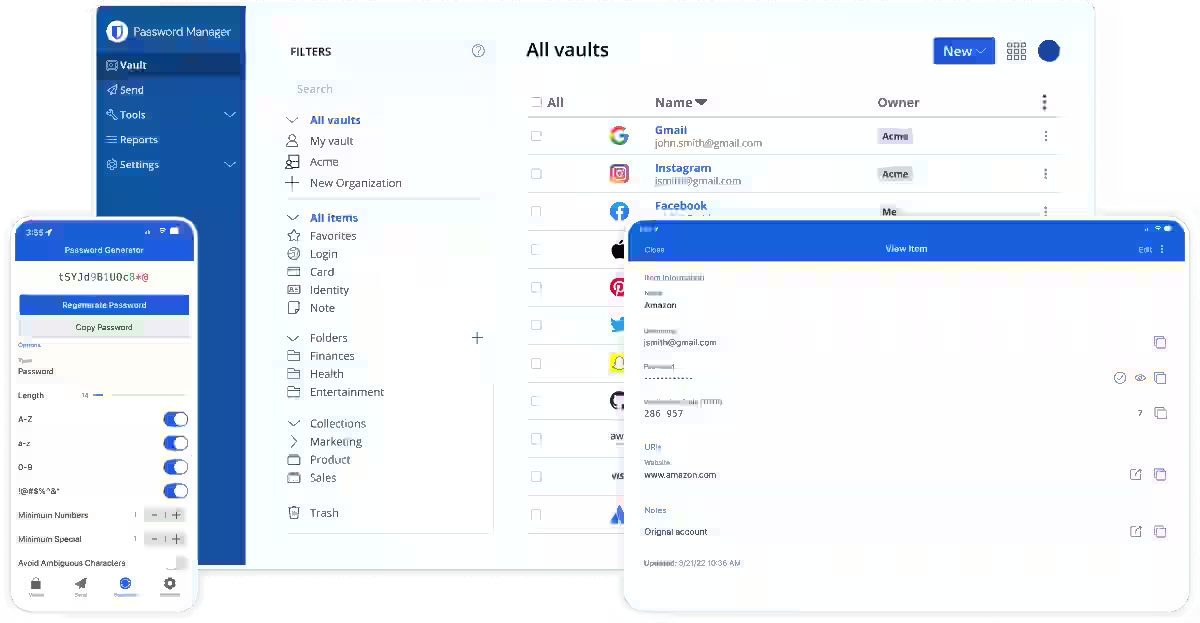
Overview: Bitwarden is open source, meaning any security researcher anywhere in the world can audit its code. This transparency is rare and valuable. The core features of the Bitwarden Password Manager are 100% free, including unlimited storage of logins, notes, cards, and identities, access on any device, a secure password generator, and more. According to the 2024 Business Password Manager Comparison Report by Info-Tech Research Group, Bitwarden is highlighted as the leading solution, surpassing competitors like Dashlane, 1Password, and Keeper, achieving a composite score of 9.1 and a customer experience score of 9.4, with 99% of users planning to renew their subscriptions.
Best Features:
- Genuinely usable free plan: While competitors like LastPass limit device synchronization in their free versions, Bitwarden allows unlimited password storage and synchronization across all your devices at no cost.
- Self-hosting option: Organizations with strict compliance requirements can run Bitwarden on their own server, giving them full control over where their data lives.
- Open-source transparency: You don’t have to trust marketing promises about encryption. Any expert can independently verify how your passwords are protected.
- Compliance certifications: Holds ISO 27001, SOC 2 Type II, and HIPAA certifications. Also compliant with GDPR and CCPA.
Pricing: The free plan is fully functional for individuals. Premium individual plan is $19.80 per year (raised from $9.99 in January 2026 — its first price increase in ten years). The family plan covers six users. Teams plan at $4 per user per month. Enterprise at $6 per user per month.
Best For: Budget-conscious individuals who want proven security without paying for it, developers and IT teams who want open-source transparency, and organizations that need self-hosting as an option.
Likes: Best free plan in the category, open-source code, strong compliance credentials, self-hosting available, and lowest business pricing.
Dislikes: The interface is functional but not polished — it looks like software built by engineers, not designers. No dark web monitoring at any paid tier. The premium price nearly doubled in January 2026.
3. NordPass
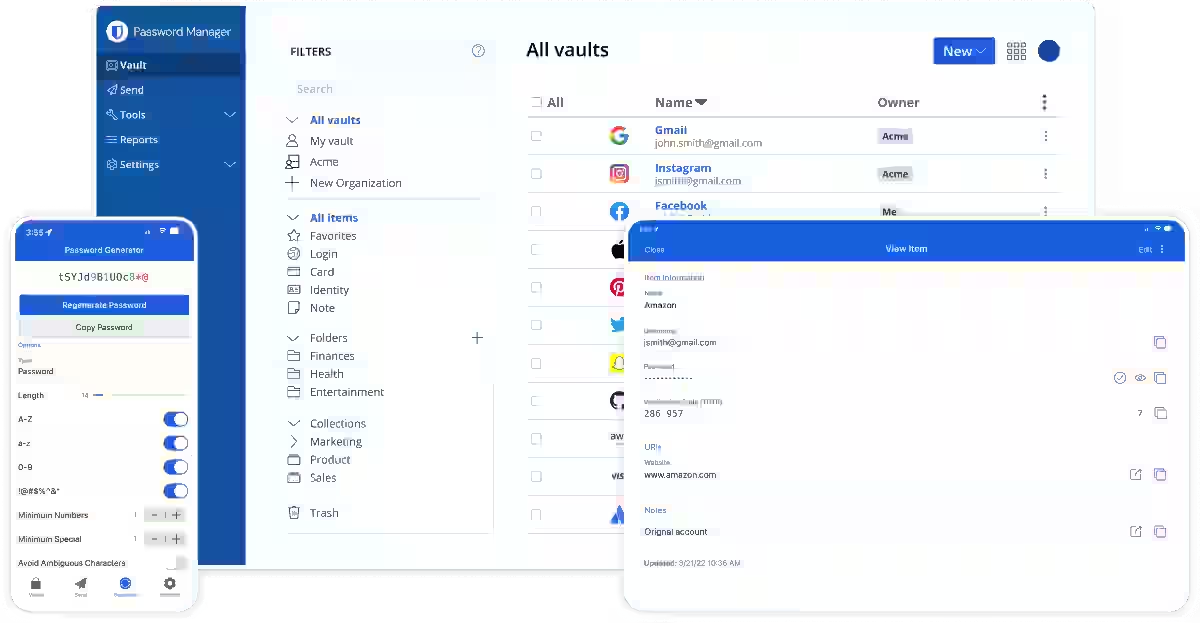
Overview: NordPass comes from the same company behind NordVPN. It launched in 2019 and has quickly become one of the most recommended tools for individuals and small businesses. NordPass is a well-balanced password manager with strong security and a smooth user experience. Its Business plan includes useful tools like vault health reports, data breach scanning, and activity logs, and the admin console lets administrators manage user access, view logs, and enforce settings like two-factor authentication or password health scores.
NordPass completed a full third-party security audit by Cure53 in late 2024 and continues to hold SOC 2 Type 2 and ISO 27001 certifications. NordPass has also remained breach-free since launch.
Best Features:
- Dark web monitoring included: NordPass Premium now costs $17.16 per year — less than Bitwarden — and includes dark web monitoring, a feature Bitwarden still does not offer at any paid tier.
- Password Health dashboard: Clearly shows which passwords are weak, reused, or old — across your entire vault at a glance.
- Clean, fast interface: The easiest onboarding experience of any tool on this list. No steep learning curve.
- Google Workspace integration: NordPass integrates best with Google Workspace, and it also integrates with a wide variety of other third-party tools on Business or Enterprise plans, which is one of its major strengths.
Pricing: Free plan available (single device only). Premium at $1.38 per month with promotional pricing. Family plan covers six users at $2.79 per month. Business plans start at $4.99 per user per month.
Best For: Individuals switching from browser-based password storage, small businesses already using Google Workspace, and anyone who wants a modern, clean experience without a learning curve.
Likes: Best value at the premium tier in 2026, dark web monitoring included, breach-free track record, fastest to set up and use.
Dislikes: No self-hosting. Less customizable than 1Password or Bitwarden. The free plan is limited to a single device, which feels like an artificial restriction.
4. Keeper
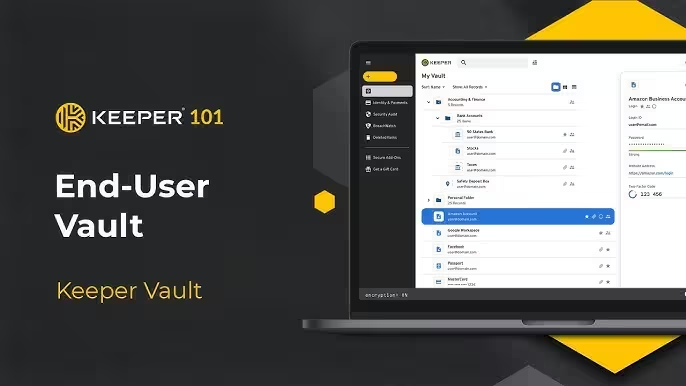
Overview: Keeper is the go-to recommendation when compliance is a hard requirement rather than a preference. It holds FedRAMP Moderate authorization and provides Business Associate Agreements for healthcare organizations under HIPAA. Financial services firms subject to SOX or GLBA should evaluate audit logging capabilities carefully — the ability to generate reports showing which credentials were accessed, by whom, and when directly supports internal audit requirements, and Keeper delivers this.
Best Features:
- BreachWatch: Keeper’s proprietary dark web monitoring tool continuously scans for compromised credentials and alerts you in real time.
- Encrypted messaging (KeeperChat): KeeperChat provides end-to-end encrypted messaging, making Keeper the only password manager in this comparison that doubles as a secure communication tool.
- FedRAMP and HIPAA compliance: The only tool on this list with FedRAMP Moderate authorization. Healthcare and government contract organizations need this.
- Employee family plans: Keeper’s business plans include a free family plan for every registered employee — an unusual perk that adds genuine value for organizations evaluating enterprise password management.
- Biometric logins and SSO: Supports fingerprint and face authentication, plus full enterprise SSO integration.
Pricing: Personal plan starts at $34.99 per year. Business plan starts at $4.92 per user per month. Enterprise pricing available on request.
Best For: Healthcare organizations, government contractors, financial services firms, and any business that handles regulated data and needs documented compliance capabilities.
Likes: Deepest compliance coverage of any tool here, BreachWatch is one of the best breach monitoring tools available, and encrypted messaging is a unique add-on.
Dislikes: The free tier is nearly unusable — limited to 10 records on a single mobile device, it’s more of a demo than a functional free plan. Dark web monitoring, secure file storage expansion, and encrypted messaging all cost extra on top of the base subscription, making the full price significantly higher than advertised. The interface still feels clinical compared to NordPass or 1Password.
5. RoboForm
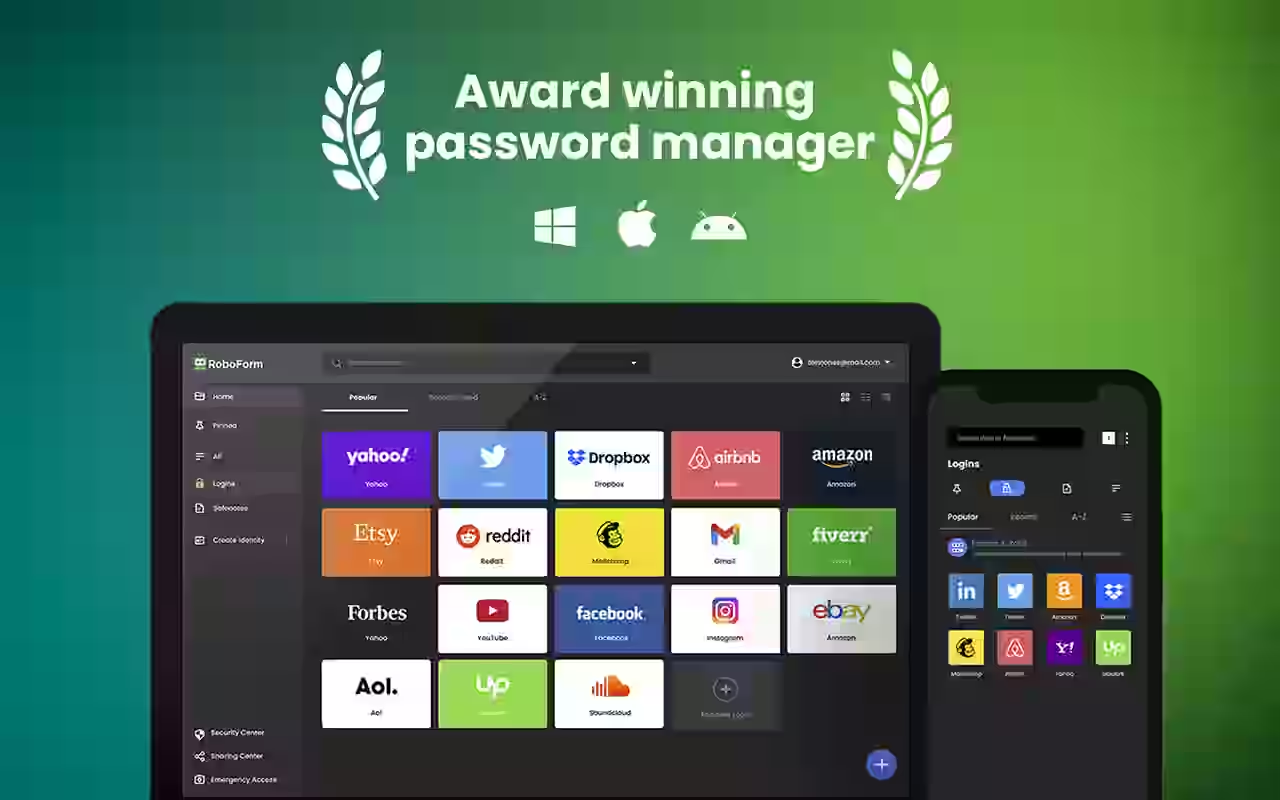
Overview: RoboForm launched in 1999, making it one of the oldest tools in this category. It doesn’t have the design polish of newer competitors, but it does the core job reliably and at a price that undercuts almost everything else on the market. RoboForm passed an independent audit by Secfault Security in early 2025, reinforcing its long-standing focus on security, and it has never suffered a data breach in over 20 years on the market.
Best Features:
- Form-filling: RoboForm’s original strength is still where it excels. The form-filling intelligence for complex checkout forms, address fields, and multi-step processes is among the best available. For users who frequently fill out online forms beyond just login pages, this is a tangible advantage.
- Local storage mode: You can stop syncing your vault to the cloud entirely, keeping everything local on your device. Few competitors offer this.
- Lowest family pricing: The family plan at $1.59 per month for five users is the lowest cost legitimate family password manager available.
- Emergency access: Designate trusted contacts who can request access to your vault in emergencies — with up to 30 days to approve or deny the request.
Pricing: Free plan available (limited to one device). Premium at approximately $0.99 per month with current promotional pricing. Family plan at $1.59 per month for five users. Business plans available.
Best For: Budget-conscious families, users who frequently fill out complex online forms, and small business owners who want a decades-proven tool without paying enterprise prices.
Likes: Unbeatable price-to-feature ratio, best form-filling of any tool here, local storage option, clean breach history, SOC 2 Type 2 compliant.
Dislikes: RoboForm has not kept pace with competitors on modern features. The interface looks dated. Dark web monitoring and breach alerts are less sophisticated than Keeper’s BreachWatch or 1Password’s Watchtower. Passkey support has been added but the implementation lags behind 1Password and Bitwarden.
6. Dashlane
Overview: Dashlane is a premium product aimed at individuals and businesses that want both a password manager and a VPN in a single subscription. It discontinued its free plan entirely in September 2025. Dashlane has made a bold strategic bet in 2026: it discontinued its free plan entirely in September 2025 and launched Omnix, an AI-powered credential protection platform aimed at enterprise customers. For individual users, this means Dashlane is now a premium-only product competing on features rather than accessibility.
Best Features:
- Built-in VPN: The most distinctive feature remains its bundled unlimited-data VPN, which effectively makes Dashlane the cheapest way to get both a password manager and VPN in a single subscription.
- Dark web monitoring with 12 billion records: Dashlane’s dark web monitoring uses its own database of over 12 billion records to continuously scan your email addresses and other sensitive information for dark web breaches.
- Smart Spaces: Dashlane allows employees to keep separate spaces — personal and corporate vaults — so the two never get mixed up.
- Omnix platform for businesses: AI-driven credential protection that monitors for weak or exposed credentials across an organization in real time.
- Patented security framework: Dashlane is the only service with a patented security framework that includes two-factor authentication built into the design.
Pricing: Individual plans start at $5.42 per month. Family plans at $8.13 per month (covering up to 10 users — the most generous user count at this price tier). Business plans available on request.
Best For: Individuals who want both a password manager and VPN without managing separate subscriptions, and businesses that need AI-powered credential monitoring across large teams.
Likes: Best dark web monitoring database, built-in VPN is genuinely useful, smart business dashboard, the most users on a family plan.
Dislikes: No free plan anymore. The most expensive individual plan on this list. Dashlane’s plans sit at the higher end of the industry since they rarely offer discounts — individual plans start at $5.42 per month, more than RoboForm, NordPass, and Keeper. Third-party audits occur less frequently than competitors like NordPass and 1Password.
7. Proton Pass
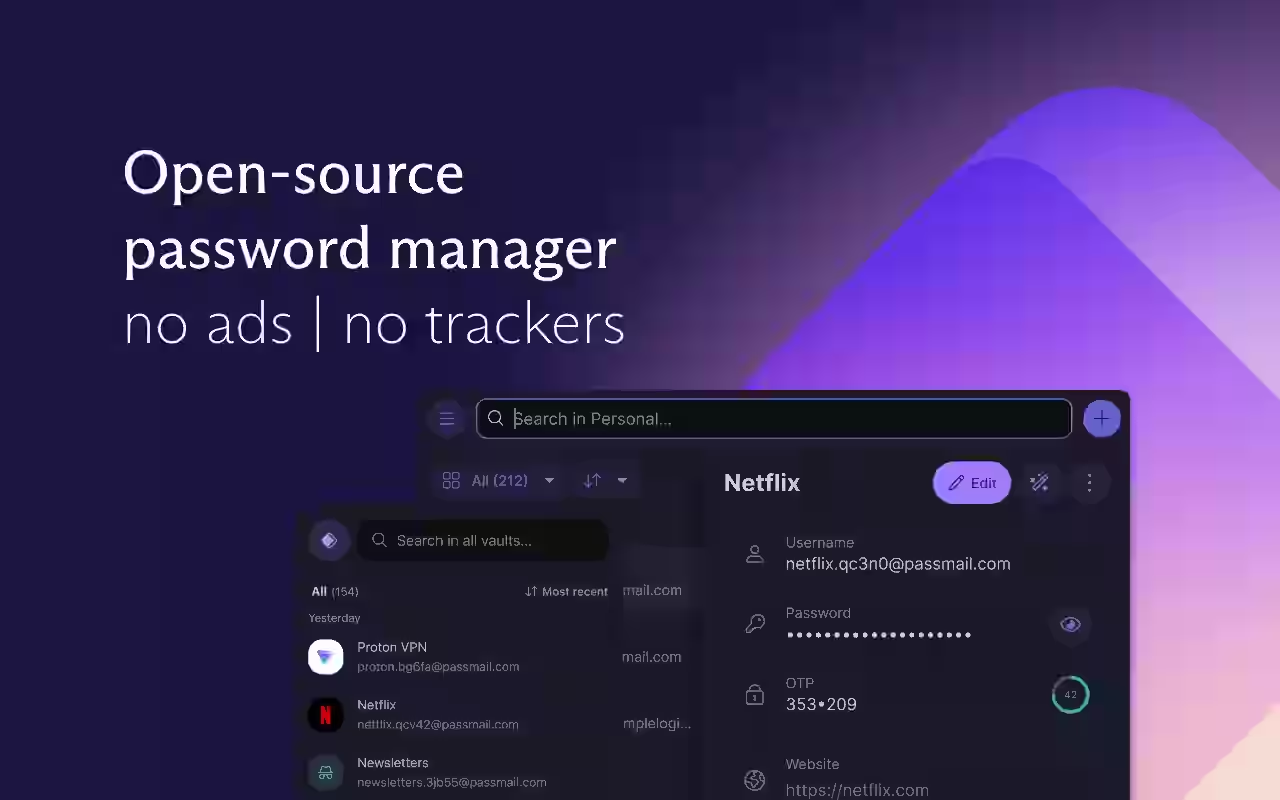
Overview: Proton Pass comes from Proton AG, the company behind ProtonMail and Proton VPN. Everything Proton builds is aimed at users who take privacy seriously. Proton Pass is secure, privacy-focused, and has all the essentials you would expect from a good password manager — strong encryption, unlimited logins even on the free plan, passkey support, and advanced extras like email aliases, Proton Sentinel, password health alerts, file attachments, and dark web monitoring.
Best Features:
- Email aliasing built in: When you create an account on a new website, you can generate a unique email alias that forwards to your real inbox. This prevents your actual email address from being exposed in breaches.
- Proton Sentinel: Proton Sentinel monitors your account around the clock, detecting and stopping unauthorized access attempts before they turn into trouble.
- Encrypted metadata: Unlike most competitors, Proton Pass encrypts not just your passwords but all associated metadata, including website URLs. This directly addresses the weakness that made the LastPass breach so damaging.
- Built-in 2FA authenticator: Proton Pass generates time-based one-time passcodes for accounts that support 2FA, stored alongside your logins inside your encrypted vault, so you don’t need a separate authenticator app.
- Open source: Like Bitwarden, the code can be independently verified by anyone.
Pricing: Free plan is one of the best available — unlimited passwords, unlimited devices. Paid plan at $1.99 per month ($23.88 per year). Family plan at $4.99 per month for up to six users.
Best For: Privacy-conscious individuals, journalists, activists, and anyone already using Proton’s suite of products who wants their tools from one trusted source.
Likes: Best privacy architecture of any tool here, encrypted metadata is a meaningful differentiator, email aliasing is built in, generous free plan, open source.
Dislikes: Fewer third-party integrations than competitors. Some users report minor inconsistencies with autofill on certain apps. Not ideal for large enterprise teams.
8. LastPass
Overview: LastPass has over 33 million users and was one of the most recommended password managers for years. It needs an honest assessment in 2026 because the 2022 breach still casts a long shadow. The breach led to further incidents because stolen vault backups can be subjected to offline cracking attempts. In 2025, LastPass settled a class action lawsuit in the amount of $24.5 million for losses incurred by customers whose vaults had been accessed.
According to TRM Labs analysis published in December 2025, attackers have stolen more than $438 million in cryptocurrency traced to the LastPass breach, as criminals continue cracking vaults where users had weak master passwords.
After the breaches, LastPass made changes to regain trust and reliability. LastPass started doing regular checks by outside experts, created a program to reward people who find mistakes, and separated from its parent company, GoTo. The company now holds SOC 2 Type II, ISO 27001, and SOC 3 certifications.
Best Features:
- Passwordless login: One of the standout features of LastPass is the ability to log in using push notifications on a trusted device, a biometric scan, or a USB key — making it one of the more forward-looking tools for passwordless authentication.
- Dark web monitoring: Scans for compromised credentials and alerts you if your details appear in known breaches.
- Cross-platform access: Full support across browsers, desktop apps, and mobile on both iOS and Android.
- Security Dashboard: Gives a high-level view of password health across your vault with actionable suggestions.
- Emergency access: Share vault access with trusted contacts in case of emergencies.
Pricing: Free plan available, limited to one device type. Premium at $3 per month. Families plan at $4 per month for six users. Business plans start at $4 per user per month.
Best For: Individuals and teams that want an easy-to-use password manager with strong sharing tools, cross-device autofill, and optional business admin controls — and who are comfortable using it despite its breach history.
Likes: User-friendly interface, strong autofill, passwordless login, competitively priced, genuinely easy to set up for non-technical users.
Dislikes: The breach history is a real concern, not just a PR problem. While LastPass uses bank-grade 256-bit AES encryption, a zero-knowledge policy, and advanced multi-factor authentication, its repeated security breaches — most notably the major 2022 incident — continue to impact users today. Many security professionals recommend switching. If trust and track record matter to you, the alternatives above are stronger choices.
9. Bitwarden for Business (Passpack)
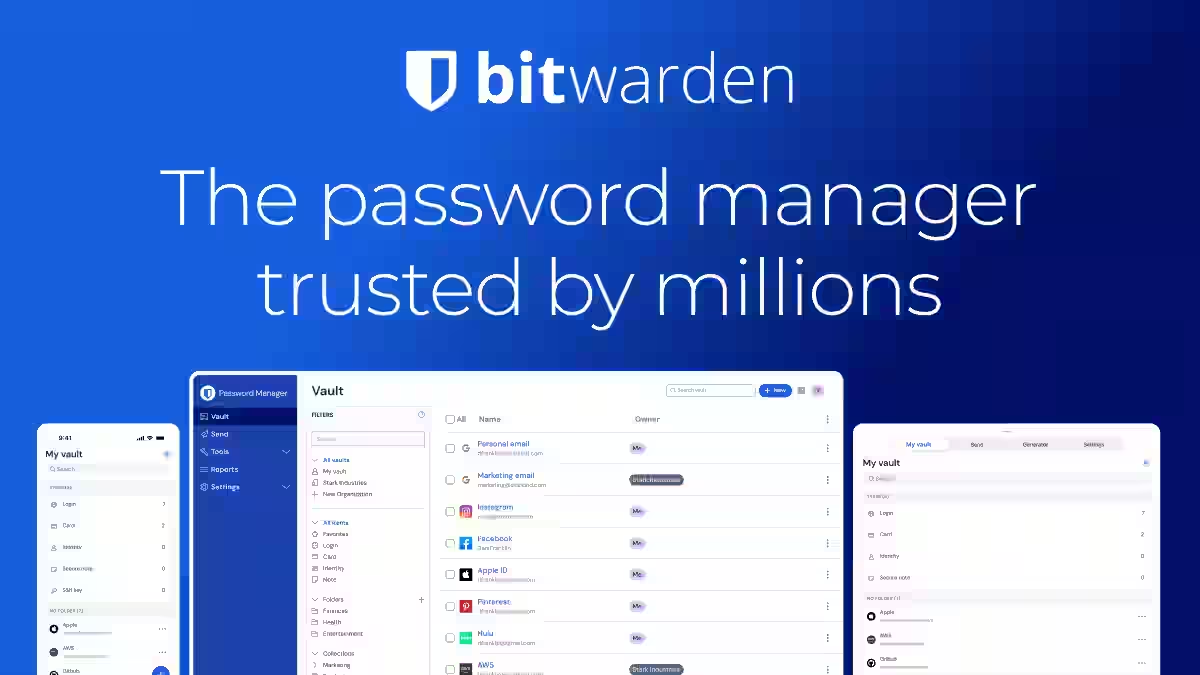
Overview: Passpack is a business-only password manager that deserves a mention separately because of where it sits in the market. Passpack is built around zero-knowledge AES-256 encryption with a unique dual-key model: users authenticate with a login password and a separate Packing Key that never leaves their device. Not even Passpack can access stored credentials.
In February 2026, Passpack launched a redesigned application with Active Directory integration for Google Workspace and Microsoft Entra ID, JIT (Just-In-Time) provisioning, device registration with Packing Key Bypass, and enhanced session controls. The company also holds SOC 2 Type II certification, validated through an independent audit completed in May 2025.
Best Features:
- Dual-key encryption model: Even Passpack’s own servers cannot access your credentials — the Packing Key never leaves your device.
- JIT provisioning: Accounts are created automatically the first time an employee logs in via SSO — no manual onboarding.
- Lowest enterprise price point: Pricing starts at $1.50 per user per month for teams up to 20 users — the lowest price in the market for enterprise-grade encryption and admin controls.
- SOC 2 Type II certified.
Pricing: Teams plan at $1.50 per user per month (up to 20 users, billed annually). Business plan at $4.50 per user per month. Enterprise with custom pricing.
Best For: Startups, agencies, IT service providers, and growing companies that need enterprise-grade encryption and admin controls at the lowest price point in the market.
Likes: Most affordable enterprise option, dual-key encryption is genuinely strong, JIT provisioning reduces admin overhead, and SOC 2 certified.
Dislikes: No browser extension or native mobile apps as of early 2026 (browser extension planned for later in 2026). No dark web monitoring or password health scoring. Business-only — not suited for personal use.
10. Apple Passwords
Overview: Apple Passwords is the built-in password manager available across iPhone, iPad, Mac, and Apple Watch. It requires zero setup, zero cost, and works seamlessly within the Apple ecosystem. Apple Passwords uses strong encryption through iCloud Keychain and is full-featured within the Apple ecosystem.
Best Features:
- Zero-friction setup: Already on every Apple device. No account creation, no subscription, no installation.
- Passkey support: Apple was among the first to roll out full passkey support across its ecosystem, letting users log in to supported sites without any password at all.
- iCloud Keychain sync: Passwords sync automatically across all your Apple devices through end-to-end encrypted iCloud Keychain.
- Strong autofill: Works natively in Safari and across apps on iOS and macOS without a browser extension.
- Verification code storage: Stores and autofills two-factor authentication codes directly alongside login credentials.
Pricing: Free. Included with all Apple devices.
Best For: iPhone and Mac users who are entirely within the Apple ecosystem, people new to password managers who want the lowest barrier to entry, and anyone who doesn’t need cross-platform support.
Likes: No cost, no setup, excellent Apple integration, passkey support is ahead of most competitors, verification codes built in.
Dislikes: If you’re on mixed Apple and Android/Windows devices, eliminate Apple Passwords from consideration — it does not work seamlessly outside the Apple ecosystem. Limited sharing controls compared to dedicated tools. No dark web monitoring. No admin controls for business use.
Personal vs. Business: What to Focus On
For personal use, the main things that matter are whether the app works across all your devices, how easy it is to use daily, and how much it costs. If you have an iPhone, a Windows laptop, and log into dozens of sites regularly, you need something that handles all three without friction.
For business use, the criteria shift considerably. Admin controls matter more than convenience. When someone leaves your company, you need to revoke their access to shared credentials immediately. Every business tool on this list supports centralized user management. Without it, you end up chasing down shared logins manually across departments. Compliance matters too — healthcare, finance, and government contractors need specific certifications that only Keeper and a few others provide.
Before choosing a business tool, count how many users actually need licenses, including contractors. Test with your real tech stack during the trial period. And verify whether the vendor offers a Business Associate Agreement if HIPAA applies.
FAQs
LastPass, Dashlane, and KeePass are among the best free password managers for Android. They offer essential features like AES-256 encryption, autofill, and cross-device sync — making them ideal for securing credentials without paying a subscription fee.
Yes. Reputable free Android password managers like Dashlane and Enpass use AES-256-bit encryption to protect credentials. They store data locally or on secure cloud servers, making them far safer than writing passwords on paper or using weak, repeated passwords.
LogMeOnce, Dashlane, and Sticky Password offer excellent cross-device sync. Sticky Password even supports local WiFi sync, useful for users who prefer not to store data on cloud servers, making it a versatile choice for multi-device Android users.
A password vault (also called a password keeper or safe) is an app that stores your credentials in an encrypted format. When you need to log in, it auto-fills the details — so you only need to remember one master password.
KeePass was originally built for Windows but is also available for Android, macOS, and Linux. It stores passwords in an encrypted local file and supports XML, CSV, and HTML import formats, though it offers fewer features than cloud-based alternatives.
TrueKey and LogMeOnce both support biometric authentication on Android, including fingerprint and facial recognition. Sticky Password also supports fingerprint login. These options allow secure access to your vault without typing a master password every time.
Free versions cover basic features like password storage, autofill, and a password generator. Paid versions unlock advanced features such as cloud backup, cross-device sync, priority support, and unlimited password storage — valuable for users managing credentials across multiple devices.
Roboform and Keeper are ideal for beginners due to their intuitive, user-friendly interfaces. Roboform offers unlimited password storage and single-click logins even in its free version, making it easy for first-time users to get started without a learning curve.
It varies by app. TrueKey’s free plan stores up to 15 passwords, Enpass allows 20 on Android, while LastPass, Roboform, and LogMeOnce offer more generous or unlimited storage in their free tiers — making the latter better for heavy users.

- Ultimate Guide to Fintech Tools for Businesses 2026 - April 3, 2026
- Best Password Managers for Personal and Business Use2026 - March 30, 2026
- Top 10 Edge Computing Platforms and Solutions - March 29, 2026